
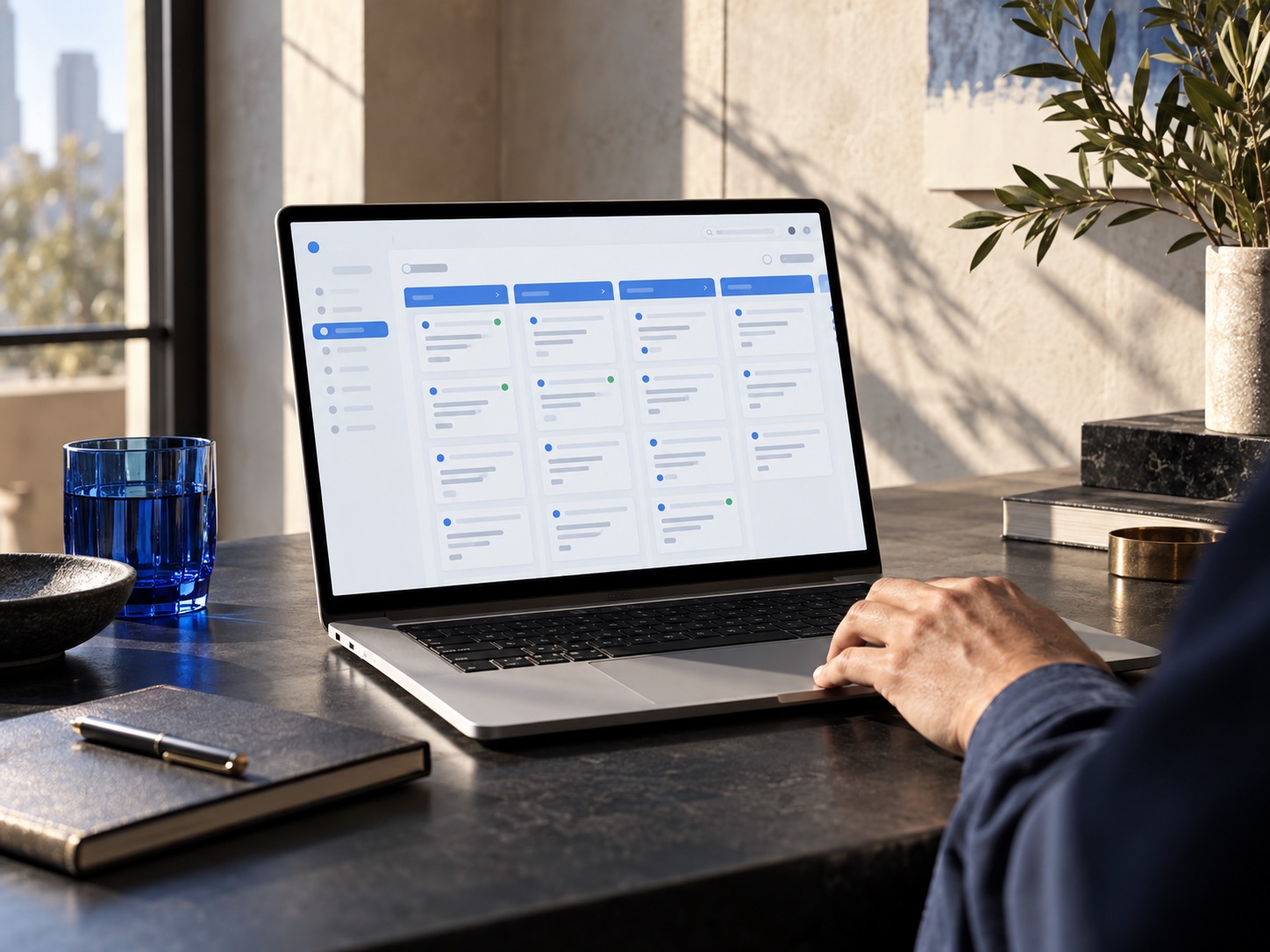
A workflow is more than a message on a timer.
For each idea below, define the starting event, qualifying records, responsible employee, and stopping condition. The examples are design ideas, not a claim that every AgencyZoom plan includes every trigger or action. Some may use tasks, supported integrations, or a manual approval step. Confirm the capabilities in your account before building.
Prospecting and quote follow-up
The first group helps a producer respond and maintain a clear next action. The objective is consistency—not sending as many messages as possible.
1. New inquiry assignment
When an inquiry arrives, assign an owner and an initial task.
Before enabling: Check product line, location, or source before choosing the assignment.2. First-response reminder
Create a reminder when a new lead still needs a first response.
Before enabling: Define an agency-specific threshold and who handles absent staff.3. Missing-information follow-up
Prompt the producer to request information needed for a quote.
Before enabling: Ask only for what is appropriate through the chosen channel.4. Quote preparation task
Create a next step when the record is ready to enter quoting.
Before enabling: Do not assume the CRM knows whether underwriting information is complete.5. Quote-delivered follow-up
Use an approved cadence after a quote has actually been delivered.
Before enabling: Stop or adjust when the prospect replies, buys, declines, or opts out.Onboarding and customer relationships
After a sale, the conversation changes. Coordinate the handoff so new customers are not still receiving a prospecting sequence. Messages, audiences, and contact permissions should be approved by your agency.
6. New-business handoff
Notify the appropriate service employee after the agreed sales milestone.
Before enabling: Define which system confirms the policy event before relying on it.7. Welcome sequence
Provide approved next steps to a newly onboarded customer.
Before enabling: Exclude customers whose onboarding has already been completed.8. Document reminder
Create an internal task for the employee who tracks missing documents.
Before enabling: Use approved secure channels for any sensitive records.9. Review invitation
Consider an agency-approved review request after a suitable service milestone.
Before enabling: Avoid overlapping requests and review the platform’s current policies.10. Referral conversation task
Remind the responsible person to consider a referral conversation.
Before enabling: Leave timing and suitability to the employee when context matters.Retention and internal operations
Some of the most useful automation is internal: reminders, ownership checks, and preparation tasks. These can help staff stay organized without automatically sending customer-facing communication.
11. Renewal preparation
Create a preparation task ahead of an eligible renewal.
Before enabling: Check the quality and source of the renewal date before scheduling.12. Cross-sell review
Ask a producer to review an appropriate additional product opportunity.
Before enabling: Use a human review before sending advice or product-specific recommendations.13. Win-back reminder
Set a future task for a closed opportunity that may be worth revisiting.
Before enabling: Honor contact restrictions and avoid recycling leads indiscriminately.14. Unowned-work check
Use supported reporting or task workflows to identify records without a responsible person.
Before enabling: Decide who receives the exception and how it gets resolved.15. New-hire practice workflow
Give a new employee a controlled task sequence to learn the process.
Before enabling: Keep practice records separate from real prospects and outbound messages.Test one example before adopting the whole list.
Choose a high-friction workflow and test it end to end. Use a record that should qualify, one that should not, and one whose status changes during the sequence. Confirm that a real person owns replies and exceptions. Document what you expected so it is easier to investigate later if the behavior changes.
Keep reviewing the human handoff.
A sequence can run perfectly and still create a bad experience if no one responds to the customer’s reply. Review task ownership, employee availability, and the messages used after each milestone. Ongoing management includes help adjusting supported workflows as your agency changes, rather than leaving the first version untouched.
Official resources
This is independent planning guidance, not official AgencyZoom documentation. Confirm account-specific features and provider requirements before making changes. Results and outcomes from applying these guides vary by agency — no specific sales, retention, or productivity outcomes are guaranteed.
You make the calls.
We handle the software.
Call us. We handle the software so you can get back to your customers.
Specific integrations and automations depend on your AgencyZoom plan, connected tools, and provider availability. We confirm what is supported before work begins — results and outcomes vary by agency setup.